
ASSIGNMENT 3
10 sys("command.com/c cls")
20 print "what year of highschool are you in"
30 input num1
31 IF (num1) < 4 then goto 151
32 IF (num1) > 1 then goto 151
40 IF (num1) = 1 then goto 80
50 IF (num1) = 2 then goto 100
60 IF (num1) = 3 then goto 120
70 IF (num1) = 4 then goto 140
80 print "your a freshman,nerd!"
90 goto 160
100 print "2 more years to go your a sophmore"
110 goto 160
120 print "your a junior 1 more year"
130 goto 160
140 print "your a senior, so leave!!!"
150 goto 160
151 print "your house has just exploded because you decided to be dumb"
152 goto 160
160 end
ASSIGNMENT 4
10 sys("command.com/c cls")
20 print "what year of highschool are you in"
30 input num1
40 IF (num1) = 1 then goto 80
50 IF (num1) = 2 then goto 100
60 IF (num1) = 3 then goto 120
70 IF (num1) = 4 then goto 140
80 print "your a freshman,nerd!"
90 goto 160
100 print "2 more years to go your a sophmore"
110 goto 160
120 print "your a junior 1 more year"
130 goto 160
140 print "your a senior, so leave!!!"
150 goto 160
160 end
Thursday, June 11, 2009

Wednesday, June 10, 2009
Basic IF
the commputer runs the program and it checks if the statement that is given is true then it says true and vice versa.
this can be used to plug in numbers into a big formula or to do mass calculations
10 sys("command.com/c cls")
20 print "pick a number between 40 and 80"
30 input num1
60 IF (num1) = 69 then goto 90
70 print "wow go get a life you suck"
80 goto 100
90 print "win"
100 end
this can be used to plug in numbers into a big formula or to do mass calculations
10 sys("command.com/c cls")
20 print "pick a number between 40 and 80"
30 input num1
60 IF (num1) = 69 then goto 90
70 print "wow go get a life you suck"
80 goto 100
90 print "win"
100 end
Tuesday, May 12, 2009


Presentations

a compilation of slides that add up to represent a certain idea or representation of a subject


Monday, May 4, 2009
Thursday, April 30, 2009




Wednesday, April 8, 2009


Tuesday, April 7, 2009

Monday, April 6, 2009




Friday, April 3, 2009
Which OS is more Accessable?
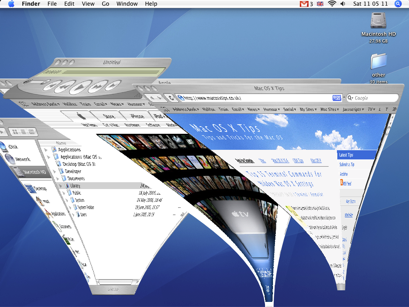
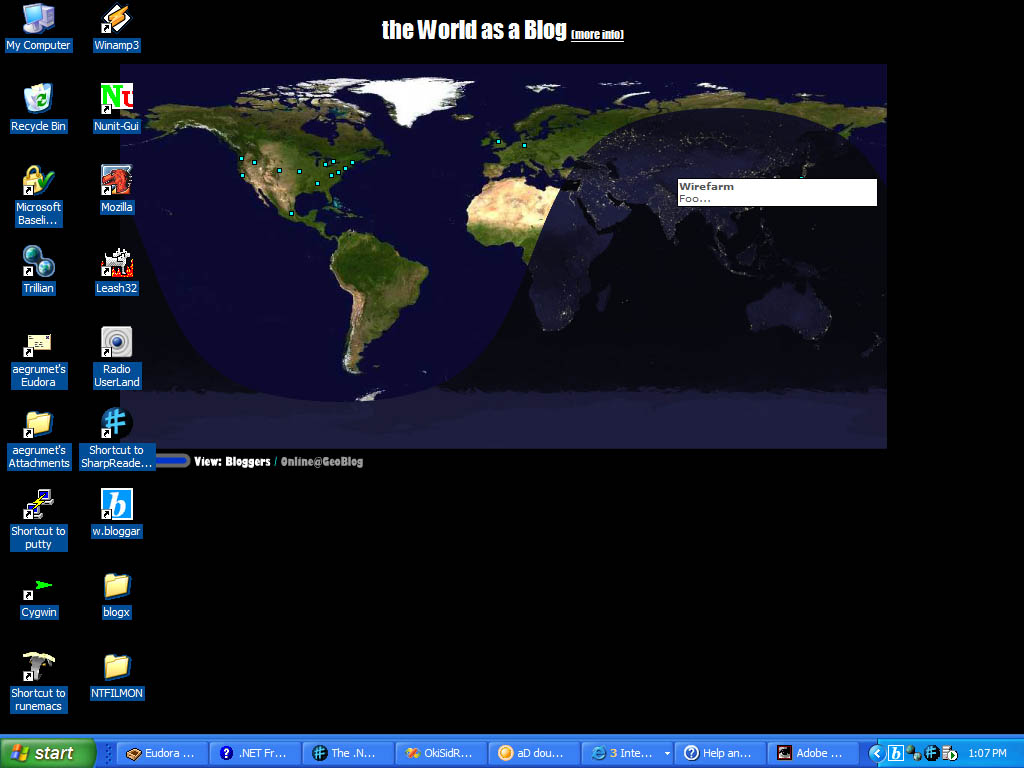
The most accessible OS is XP because it was made with the needs of special people in mind. Even its Microsoft office word includes advanced speech recognition. XP itself includes an onscreen keyboar, Text to speech, Speech to text and alot of other features that make it one of the most accesible operating systems everz.
Wednesday, April 1, 2009
Systems software

it makes the computer work (kinda like operating systems) basically allows greater interaction with the computers hardware
Network operating system

software that controls a network Ex: speed of computers, their files, maintenance of communication between computers


Tuesday, March 31, 2009

utility software

a computer software used to help control computer hardware, operating system, or application software.


GUI

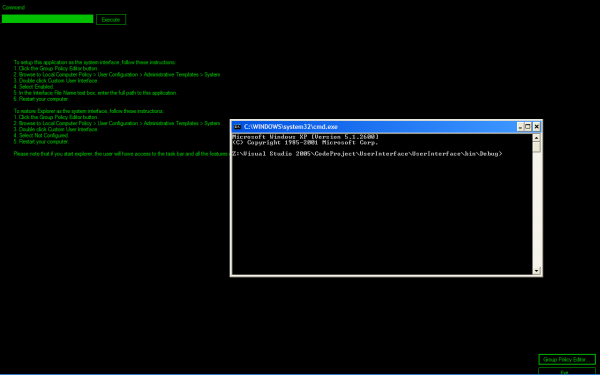
it is a user interface that allows for the interaction with hand held electronic devices. Ex: mp3

Application Software
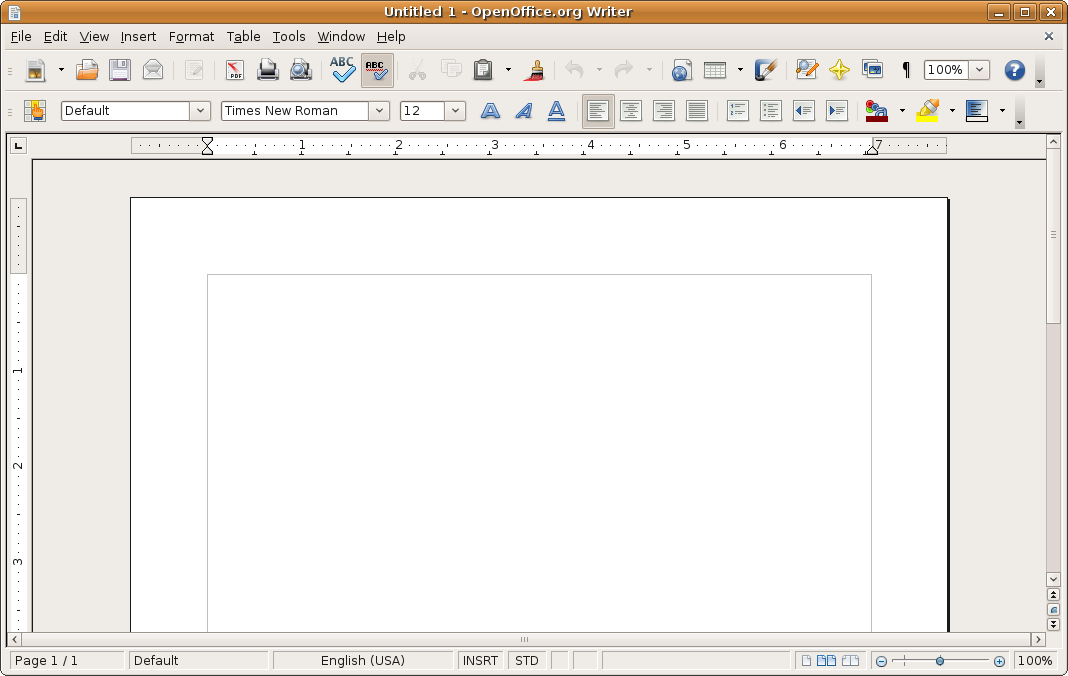
it is any software that is there to better enhance the interface for the consumer

Wednesday, March 25, 2009
plug and play versus installation
plug and play is usually a device that is plugged into a USB port and once plugged in it works instantly. some examples are mouses, speakers, and keyboards.
Installation requires you to go through an actual process of installing usually requiring you to input important data and also usually needs a cd with software.
Plug and play is faster to use but one con of it is the fact that once the computer is off all memory of the device is lost. so it would have to be re installed. also you cant get software updates and sometimes technical support. Installation does take a long time but where ever you take the computer on or off the software will always be on it and you also have access to software upgrades.
Installation requires you to go through an actual process of installing usually requiring you to input important data and also usually needs a cd with software.
Plug and play is faster to use but one con of it is the fact that once the computer is off all memory of the device is lost. so it would have to be re installed. also you cant get software updates and sometimes technical support. Installation does take a long time but where ever you take the computer on or off the software will always be on it and you also have access to software upgrades.
Thursday, March 19, 2009
My name in ascii
01000011
01100001
01110010
01101100
01101111
01110011
01011111
01010000
01100101
01110010
01100001
01101100
01110100
01100001
01100001
01110010
01101100
01101111
01110011
01011111
01010000
01100101
01110010
01100001
01101100
01110100
01100001
Friday, February 27, 2009
extra credit

if i were to purchase a computer i think the best choice would be the:
it is made mostly for gaming but has a lot of other features that make it an overall success
some features include
- Intel® Core™2 Extreme Quad
- ATI CrossFireX™ Dual Graphics
- 4GB 1066MHz DDR3 Memory
- 1TB Hard Drive Capacity
- Extreme High Def Video and Audio
- Full-size Illuminated Keyboard
Thursday, February 26, 2009
system clock

a device in the computer that sends signal through out the computer that synchronize all components

Read-only memory (ROM)

computer memory that can only be read, and is usually written on by the manufacturer.
Random access memory (RAM)

can be called short term memory, it allows for manipulation of its memory and it can only save while the computer is on.
Pointer

a symbol that appears on the screen that allows for selection, and manipulation of onscreen objects
Subscribe to:
Comments (Atom)